
Connect the model you prefer
Configure supported AI providers and assign the right model to the work you want Furola to assist with.
Connect the AI model and agent you prefer, describe what you want to build or change, and turn natural-language instructions into storefront, product, content and operations work.
Build a premium purple creator store, add my custom products, and prepare the homepage for launch.
Configure the model you prefer—including DeepSeek or ChatGPT-compatible providers where supported—then use AI to assist with product content, publishing, operational statistics and store management.
Create a purple creator storefront, publish my dakimakura and mousepad products, improve the product copy, and show me what needs attention today.
Configure supported AI providers and assign the right model to the work you want Furola to assist with.

Use AI-assisted workflows for product titles, descriptions, metadata, content updates and publishing tasks.

Bring orders, store statistics and operational data into an AI-assisted analysis workflow so you can focus on decisions.

Use an agent workflow to turn a short brief into theme, product, content and operational actions through available Furola tooling.
Coding agents and tools such as Codex or Cursor can be used as examples of clients in a natural-language workflow. Give the agent a brief; it can work through Furola’s available skills and APIs to help manage themes, products, content, orders and analytics. No official partnership is implied.
Shape the storefront, navigation, theme sections and content around the creator experience you want.
Prepare artwork and move selected custom products into a creator-focused production workflow.
Connect orders, packing, shipping and operational analysis so the store keeps moving after launch.
Start from Furola’s real custom-product catalog, then connect design, production and fulfillment into the same creator workflow.
Browse all products →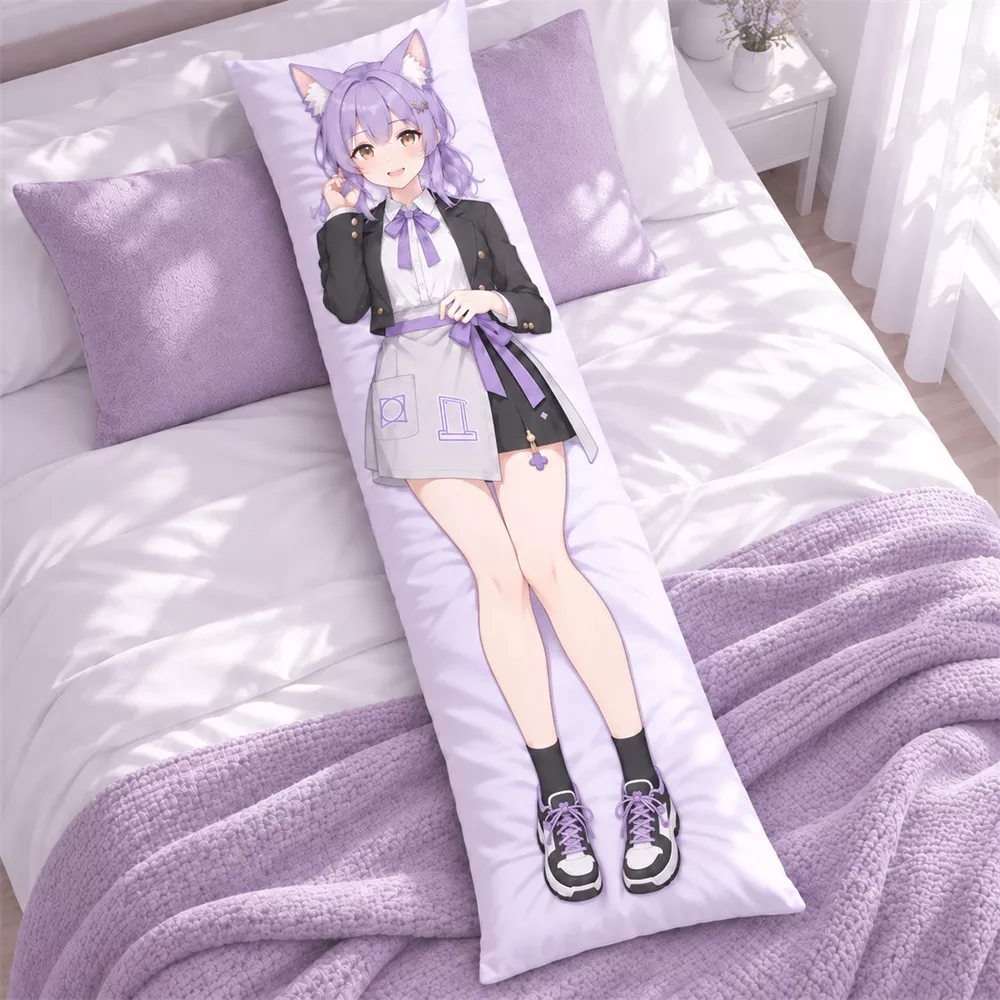
Custom character body pillows for full-size artwork and creator releases.
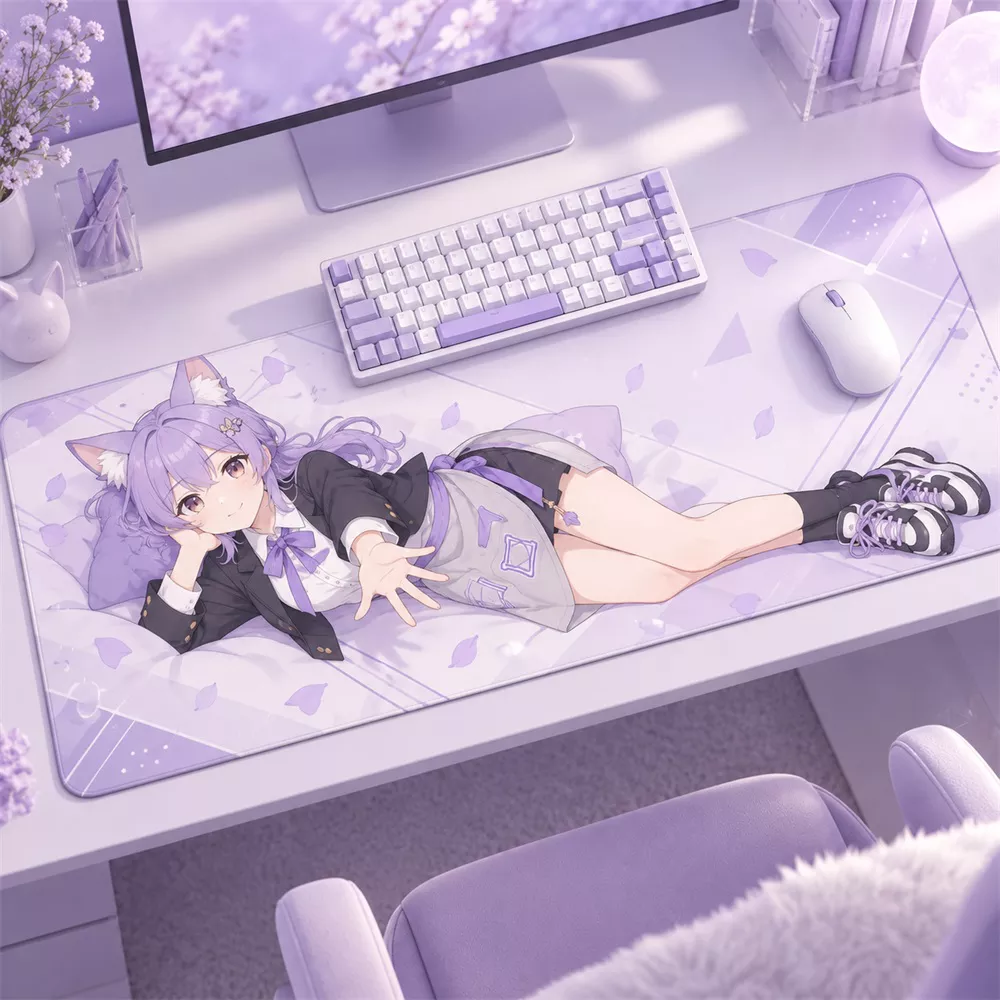
A large-format surface for artwork that becomes part of the desk setup.
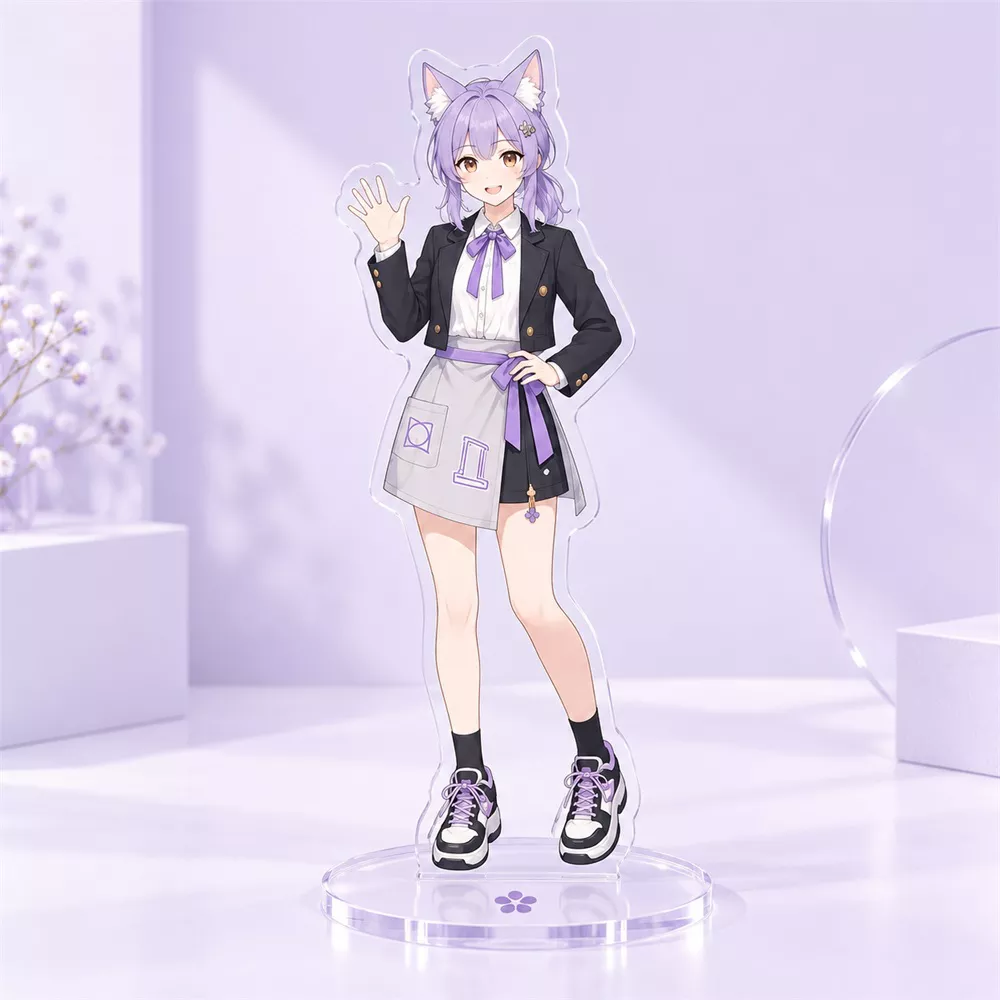
Layer character art into a compact display piece for desks and shelves.
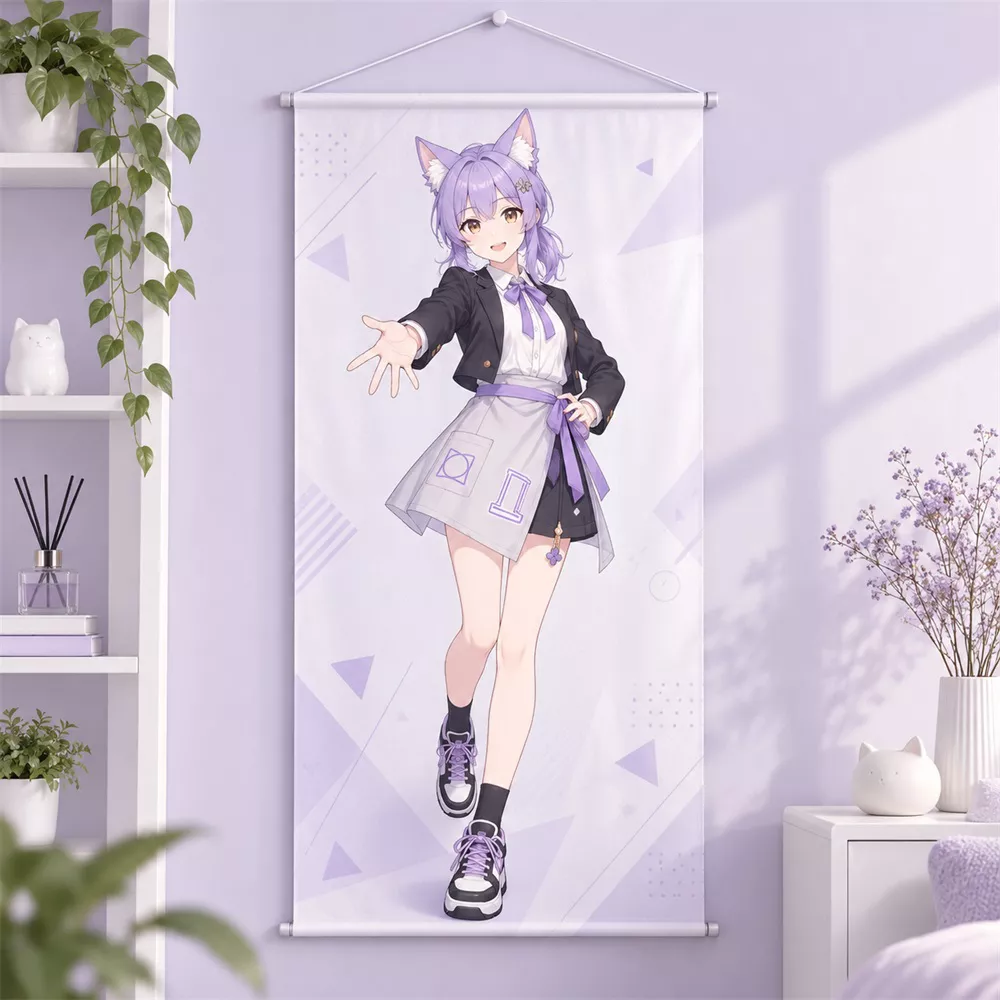
Turn full compositions into vertical wall art with a clean display format.
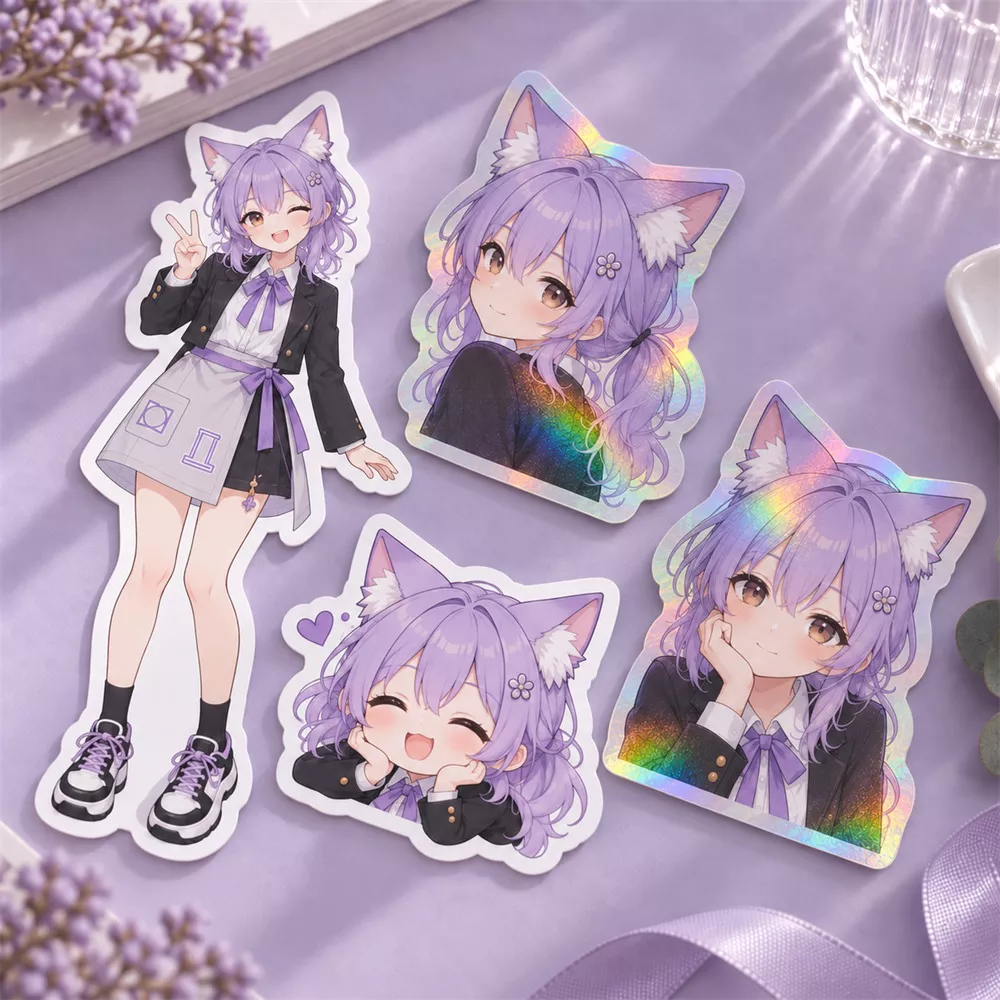
Flexible custom goods for bundles, bonuses and lower-price creator drops.
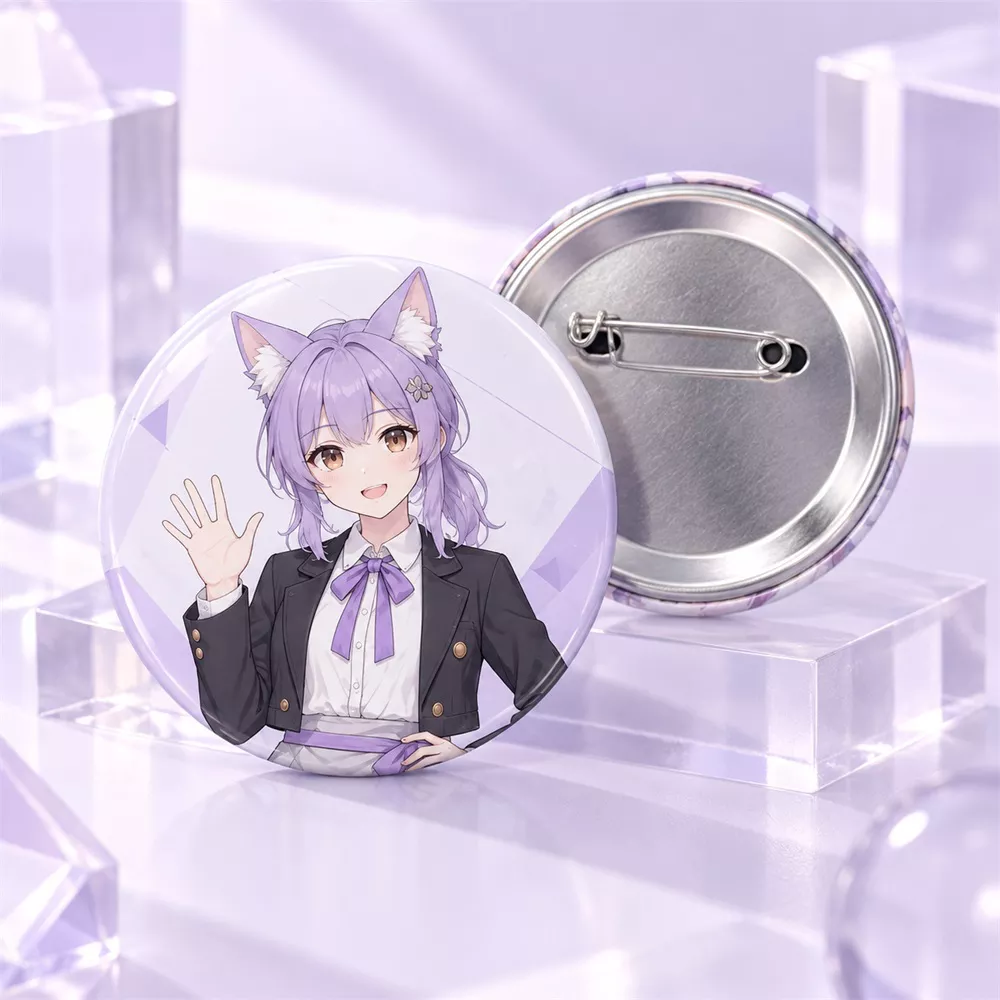
Compact collectible merchandise for character art and event-style releases.
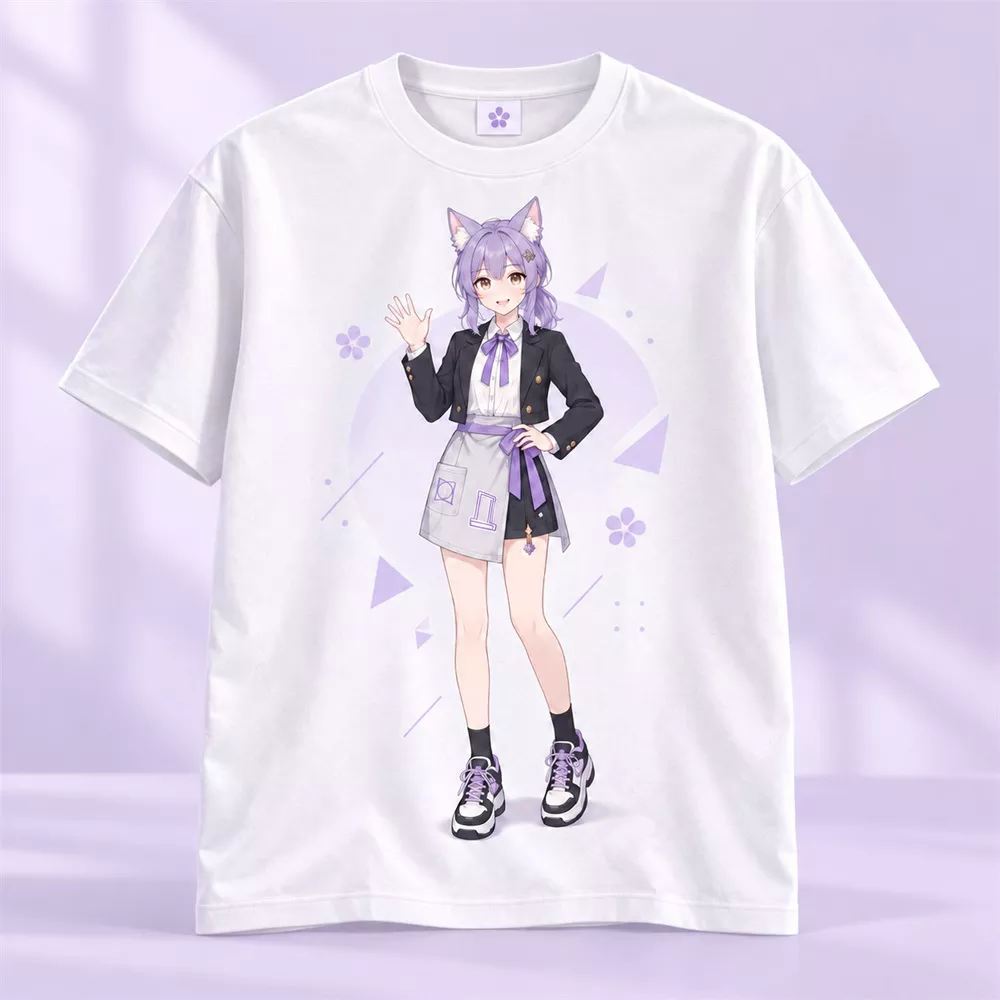
Put artwork into a wearable format that can sit beside your other creator goods.

A tactile character-product format for collections built around desk accessories.
Keep the utility layer focused: improve source resolution, convert file formats, and preview both Side A and Side B of a dakimakura in one workspace.
Improve low-resolution source artwork before it enters your production workflow.
Open AI Upscaler →
Prepare and convert image files into the format you need for the next production step.
Open Image Converter →
Upload Side A and Side B artwork and review both sides together before you move into production.
Open Dakimakura Mockup →From a storefront idea to product updates, content, analytics and creator tools, start with the outcome you want and let the workflow take shape from there.